

GROVE / HABIT TRACKER
Grow better
habits.
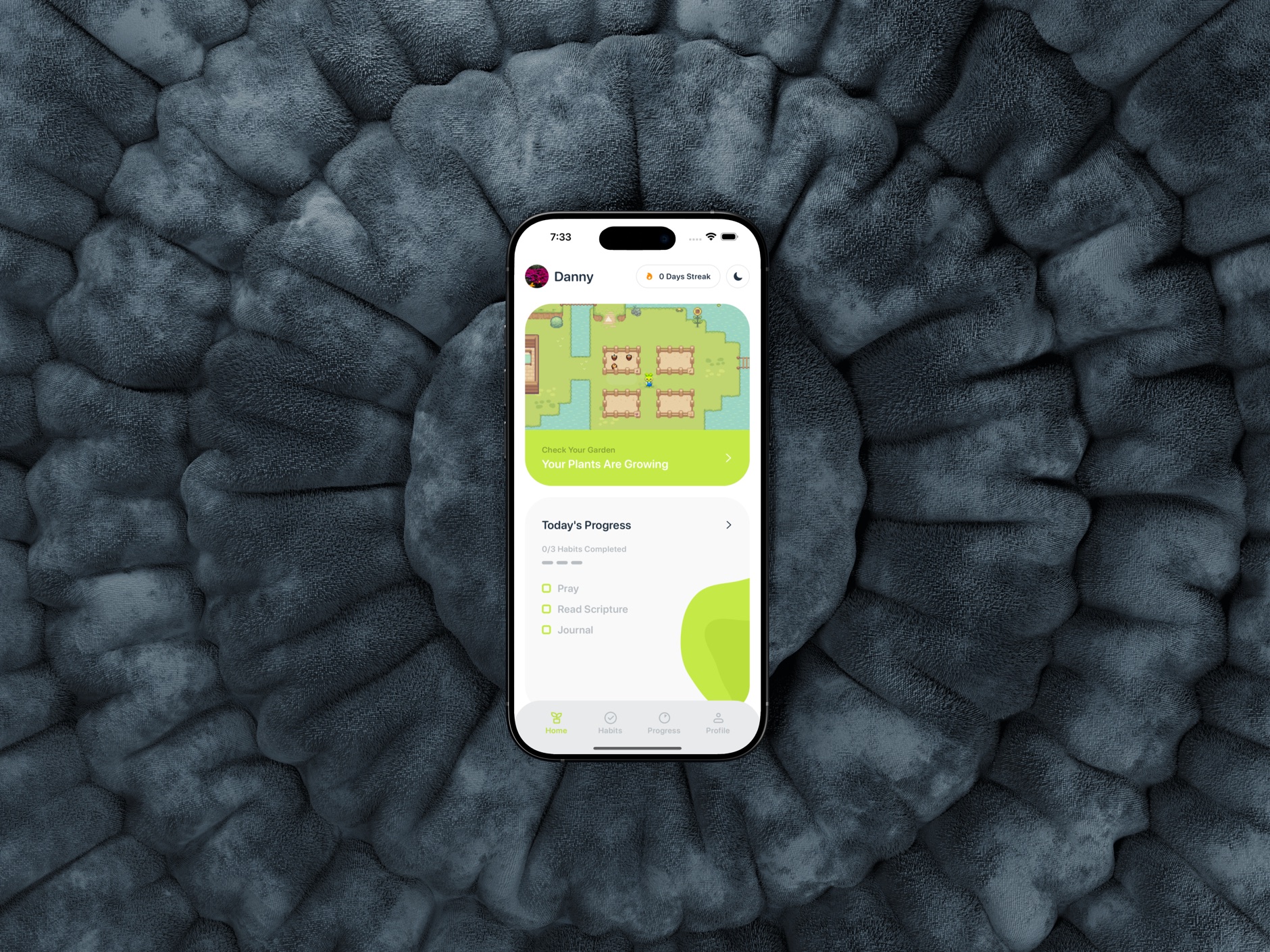
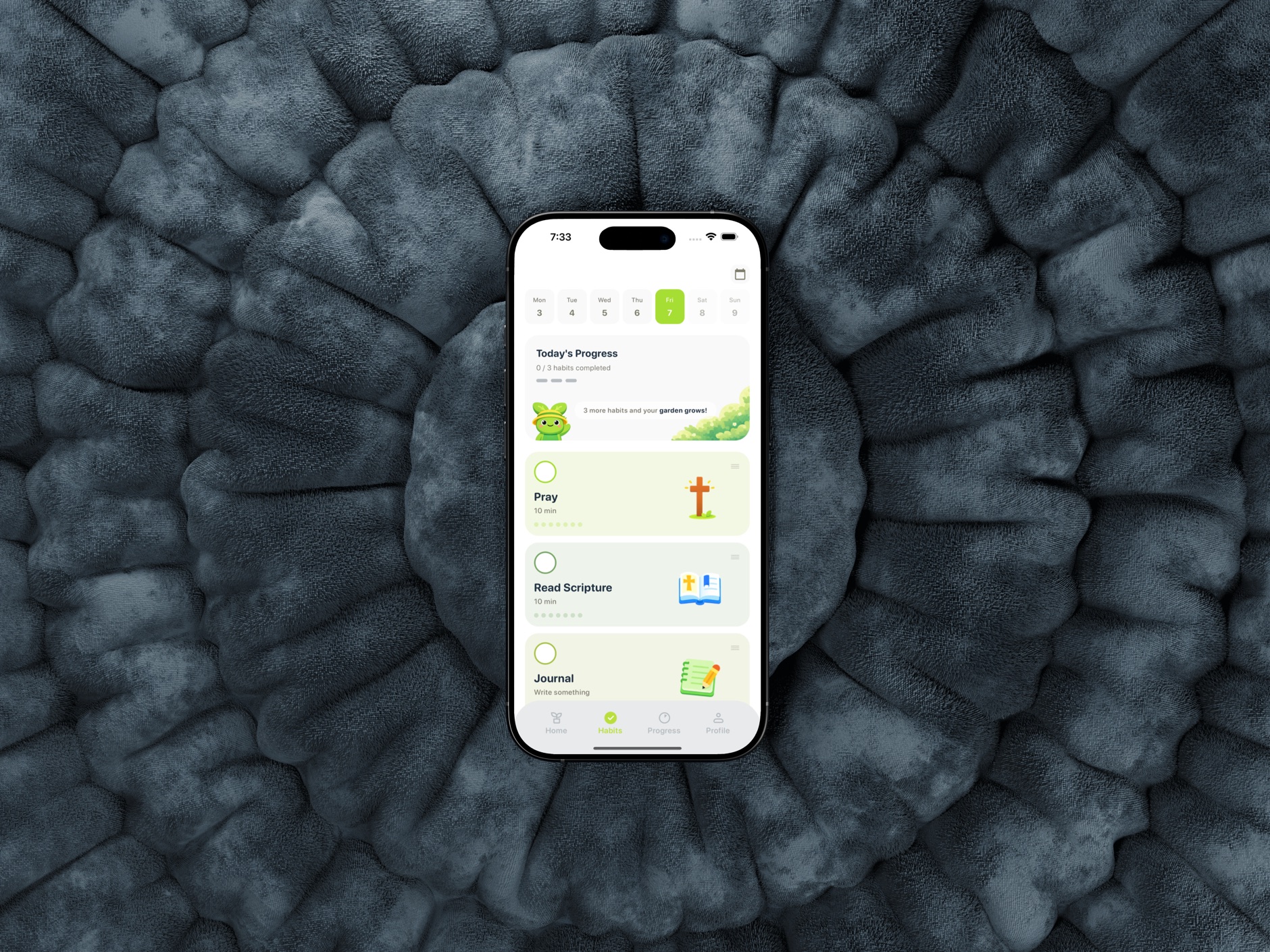
I built Grove, a Tamagotchi-inspired habit tracker for iOS, to make sticking with habits more playful. Every completed habit grows your virtual garden. I designed and built the app end to end with help from ChatGPT, Claude, and Cursor.
- Stack
- React Native + ExpoTypescriptRiveFigma
- Roles
- Product DesigniOS DeveloperResearcher

 Coming soon to App Store


Research: What existing habit trackers do
I started by reviewing 6 habit tracker apps. Most of them centered on streak charts, which show progress clearly but give people little to interact with. I then looked at the few apps that used an interactive world, including Duolingo and Quabble.
One pattern stood out: people seem more invested when there is something to care for. In Quabble, that is a duck that depends on you interacting with it. That pushed me toward a design where each habit has its own plant that grows when you complete it and wilts when you don’t.
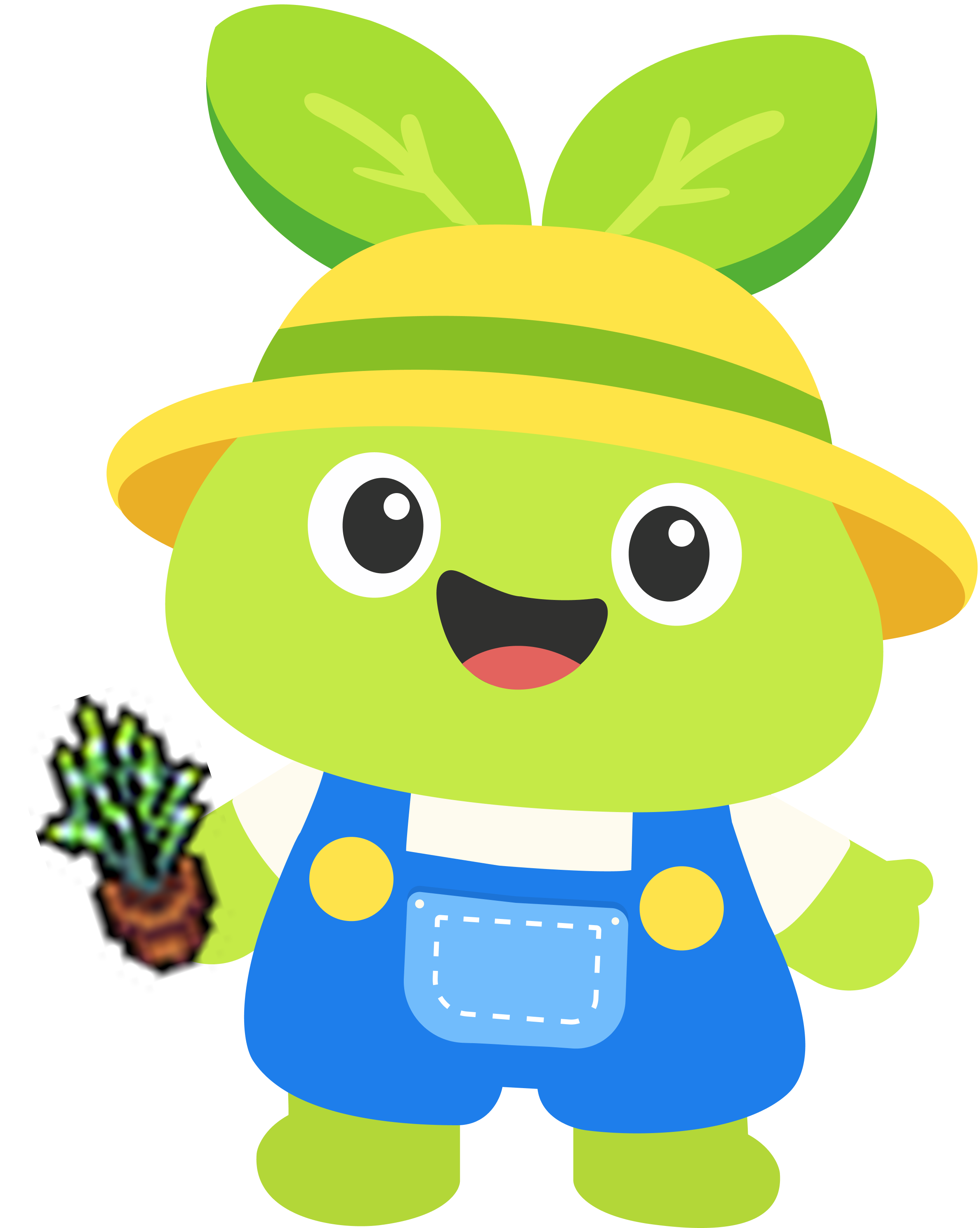
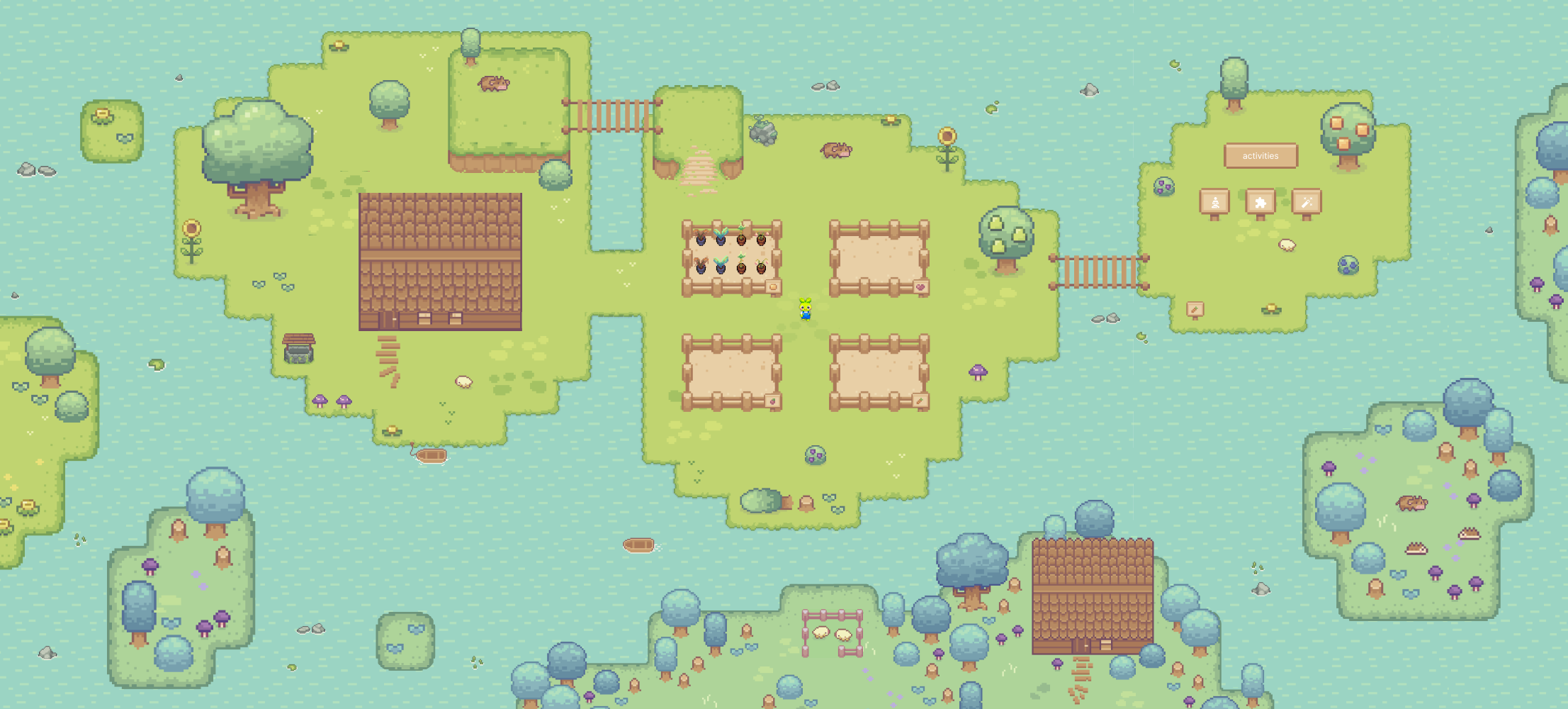
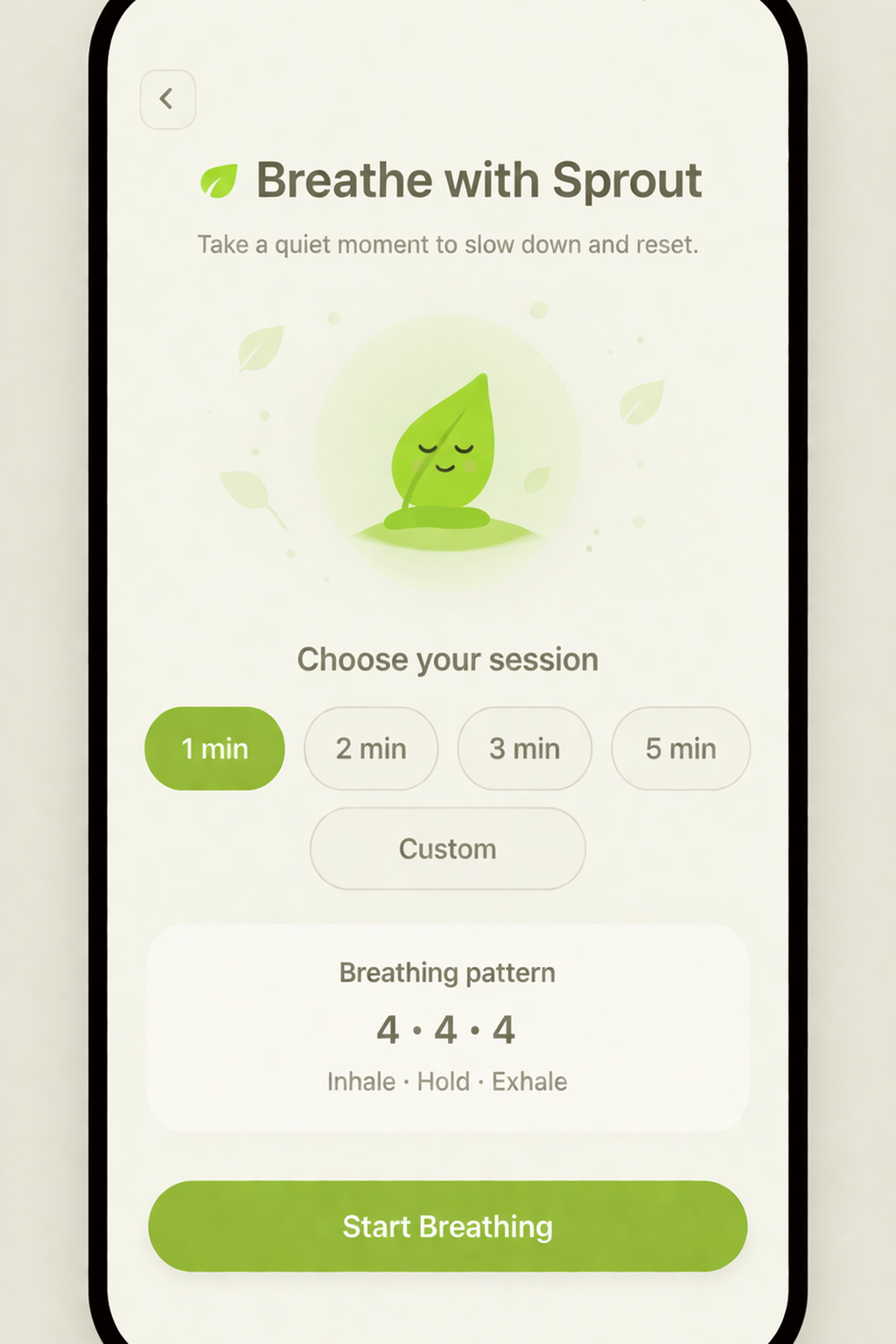
These apps also use a mascot to carry the story of their world, so I decided Grove needed one too. That became Sprout, a friendly guide who walks around your garden and checks in on your growing plants.
This was a competitor review, not user research, so I plan to test whether caring for a plant brings people back after the novelty fades.
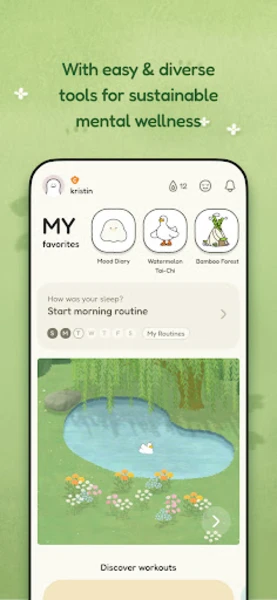
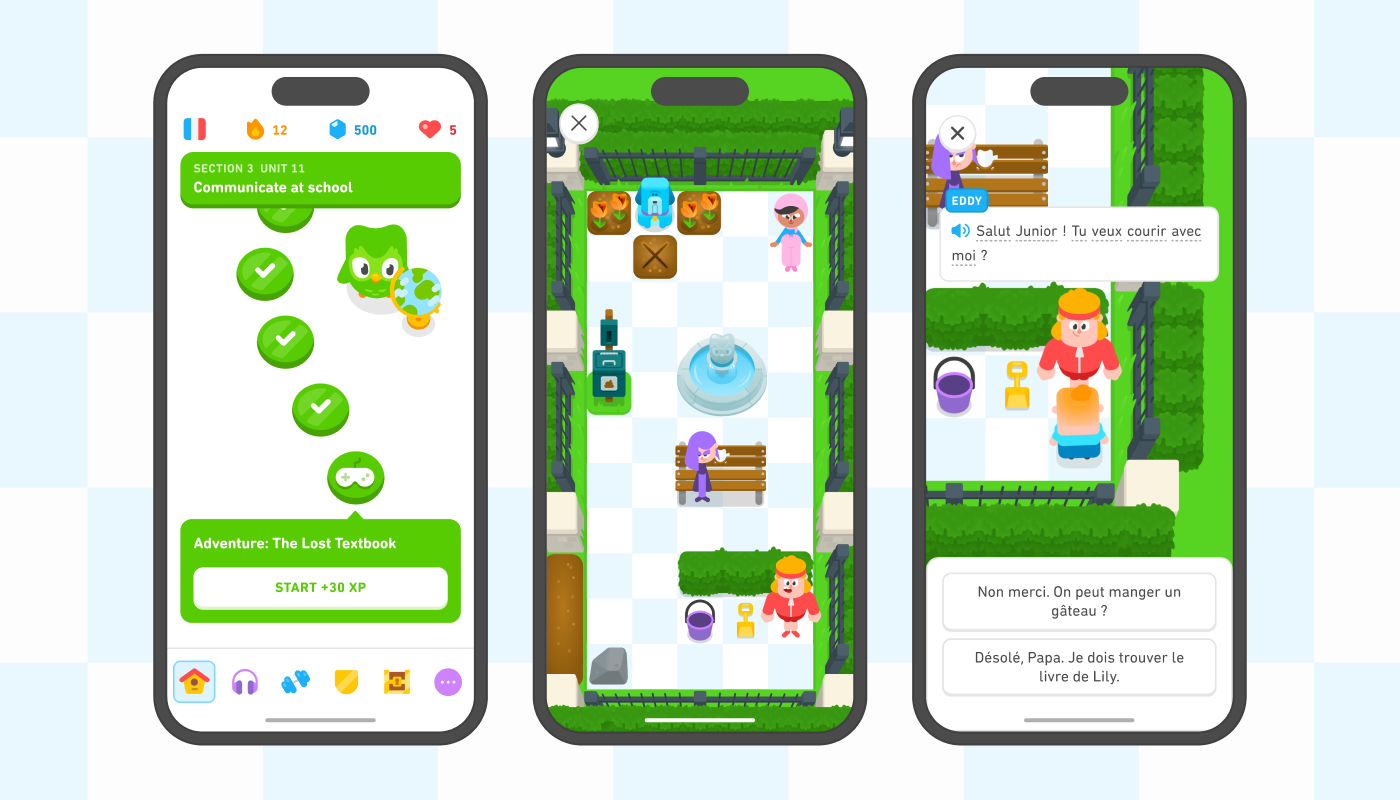






AI generated

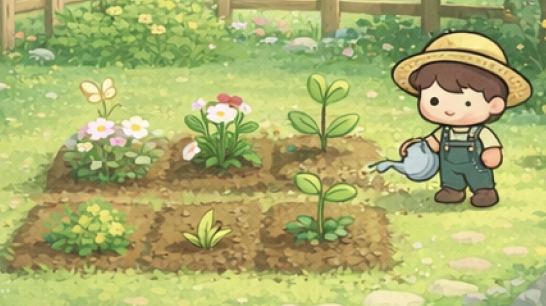
Character Development
I first imagined the character as a farmer, since the app is about tending a garden. But when I studied the characters in other habit and game apps, I noticed most of them were abstract creatures, not human figures. An abstract character is easier to reuse across screens, feels friendlier, and doesn’t need a backstory. So I dropped the farmer.
Because Grove is about growing habits, a plant like character was the natural fit. After many rounds of trial and error, my first pass was a simple leaf, and I refined it until the final Sprout. I stopped when it was simple enough to work at icon size, expressive enough to react, and clearly part of the garden.
What I found after interviewing 10 people who wanted to track their habits.
To test my assumptions, I interviewed 10 people who currently use habit tracker apps or have used them in the past. Three themes came up:
6/10
Streak charts help, but the interest fades.
Streaks made it easy to track their habits, but they lost interest after a while.
7/10
wanted something to care for
A Tamagotchi-style character they had to look after could keep them motivated.
4/10
Wanted widgets outside the app
Wished other apps let them track habits outside the app.
These findings shaped Grove directly. The garden became the main feedback, with a progress dashboard still available for people who like the charts. I also added home screen widgets so progress stays visible outside the app.
The core loop
Complete habit
Plant grows +
progress updatesDay ends: plant
stays healthy or wiltsReturn tomorrow


Garden & streak charts
Insight
In my interviews, 6 of 10 people said streak charts helped them stay on top of their habits, but they lost interest after a while.
Options
- A garden only, with no streak charts.
- Charts only, like most habit trackers.
- A garden as the main experience, with the charts still available.
Chosen & why
I chose the third option. The garden gives people something to care for, which the interviews said keeps them motivated. The progress dashboard stays because the same people said streaks helped them track their habits. I didn’t want to replace something useful, only stop it from being the main thing.
Trade-off
I decided to keep a simpler garden only experience, and a cleaner main screen. The Garden and the Progress dashboard were competing for attention, so I kept the dashboard on its own tab.


Widgets, habits that live outside the app
Insight
4 of the 10 people I interviewed wished other habit apps let them keep track of their habits outside the app.
Options
- No widgets, keeping everything inside the app.
- One simple widget, such as a completion count.
- Two widgets at different sizes, one showing the garden and one showing today’s progress.
Chosen & why
I made two. The large widget shows the garden so you see the thing you’re caring for and how your weekly completion is going. The small widget shows today’s completion as a ring, for people who just want a quick number.
Trade-off
widgets only display progress; you still open the app to complete a habit.
App screens


Design System
A friendly, nature-themed system: lime green for actions, deep navy for text, and rounded type and corners for a calm, inviting feel.
Principles
- Friendly
- Nature themed
- Mindful clarity
Color Roles
Primary Green
#C5EA47
Main accent, primary buttons, checked states, brand highlights
Dark Green
#8AA335
Heading emphasis, contextual text over bright backgrounds
Bright Green
#BADF3D
Secondary accent, sub-cards, brand visual decorations
Dark Navy
#213242
Primary text, core titles, dark modes, dominant interface elements
Cool Gray
#B7BDC1
Secondary text, disabled icons, placeholders, borders
Light Gray
#F8F9F9
Card backgrounds, secondary controls, layout sections
White
#FFFFFF
Default app background, primary cards, clean canvas blocks
Yellow
#FEE447
Decorative accent, streak details, gamification highlights
Font Type & Scale
SF Pro Rounded · 24 / 20 / 18 / 14 px
Display — 24px
Grow your mindful habits daily with Grove
Heading — 20px
Today’s Progress: 3 out of 5 complete
Subheading — 18px
Let’s take a few calm breaths with Sprout
Body — 14px
Habit tracking doesn't have to be clinical. Playful gardening prompts help you stay connected with your routines over long stretches of time.
How I built it
Grove took about six months from first sketch to App Store submission: roughly three months of design, then three of development, at 6–8 hours a week. I was the sole designer and developer. I used AI tools to build faster, but the design direction, the game layout and the in app copy were created by me.
Timeline
Design took the longest. I submitted the app for App Store review in September 2026.
Design
~3 months
Sketches, Figma, Sprout, brand guide
Build
~3 months
Expo app, Supabase, widgets
Submitted
September 2026
Sent for App Store review
App Store
Coming soon
Future updates after launch


How it fits together
The app stores habits on the phone and syncs to Supabase.
Widgets are a native extension reading progress from shared storage.
HABITS AND ACCOUNTS
Grove app
Expo + React Native, TypeScript
Habit store
On the phone (Zustand)
Supabase
Accounts, habit sync, avatars
WIDGETS
Grove app
Tracks today’s progress
Shared storage
App Group, JSON snapshots
SwiftUI widgets
Small and large sizes
Built with
Each tool had one job, and each left something I had to learn.
- Expo + React Native
- • TypeScript
- • expo-router navigation
- • Zustand state
- Supabase
- • Apple + Google sign-in
- • Row-level security
- • Avatar storage
- • Habit sync across devices
- • In-app account deletion
- Rive
- • Sprout’s animations
- • Learned in a week from YouTube tutorials
- • I had no animation background
- SwiftUI widgets
- • Small and large sizes
- • Plant images generated by script
- • Fed through shared App Group storage
- Game world
- • Sprout Lands pack by Cup Nooble, reworked to my layout
- • Pixel Lab: pixel Sprout and walk cycle
- • Custom collision map
How AI fit in
I used four tools for four different jobs. The AI sped up the build, but I decided what Grove should look like, what it should say and how the world is laid out.

ChatGPT
Image ideas for the character, game world and layout. I used them as references, then designed in my own taste.

Cursor
Built the app in Expo from my designs, including the widget code.

Claude
Debugging, using specific agents I set up for it.

Figma AI
Named and cleaned layers so designs moved cleanly to Cursor through the Figma MCP.
Problems encountered
Early on, Cursor would hallucinate and sometimes delete my code, and a few breakages took days to fix.
The problem
Vague prompts gave it too much room to guess, and a broken change could take days to untangle.
What worked
- • Very detailed prompts
- • Sketches and reference images
- • Knowledge-base files I updated as the app grew, so the AI stopped re-learning it
Where it stands and what I’d change
Grove has been submitted for App Store review and is launching soon, so I can’t report real usage yet. Here is where it stands, what I plan to add, and what I would do differently.
Where it stands
- • Submitted for App Store review in September 2026
- • Coming soon to the App Store
Planned next
- • Leaderboard
- • Visit friends’ gardens
- • Character customization
What I’d change
- • Write a plan document before designing
- • Keep a strict checklist and calendar
- • This was my first app, so I jumped into design without a detailed plan